
Incident Evidence Preservation: What to Capture First
Reimaging a host or rotating a key can destroy the proof you need later. The order to capture evidence, who may touch what, and the custody record to keep.
The short answer
Preserve evidence in order of how fast it disappears: memory and live connections first, then rolling logs, then disk images or snapshots, then backups and records. Capture before you reboot, reimage or restore. Write down who collected what, when and where it is stored, and keep copies read-only. Containment and preservation can run together when the order is agreed beforehand.
Who this is for
This is for a CTO, head of security or operations lead at an online casino, sportsbook, exchange or payments business who needs to know what staff may and may not touch in the first hours of an incident. It sits beside the incident response retainer you may already hold. For the document written after the work, read what an incident response report must contain. For the contract side, read what an incident response retainer quote should say.
Why evidence is lost in the first hour
Most evidence is not destroyed by the attacker. It is destroyed by well-meant recovery work.
- Reboots and reimages. Memory is gone at power-off, and a rebuilt host overwrites the disk state that showed how the intruder got in.
- Log rollover. Many cloud, firewall and application logs keep a limited window. Waiting a day for a decision can mean the first activity is no longer there.
- Credential and key rotation. Rotating a secret is correct, but it can remove the record of which secret was used, from where and by what.
- Cleanup by the attacker's own tools left in place. Tidying a server before it is copied removes both the tool and the timestamps around it.
- Shared accounts and edits. A responder logging in with the same account and changing files alters the evidence they are trying to read.
The cost shows later. A report says "root cause unknown" where it could have said "entry via a stolen session", and an insurer or regulator treats the gap as your problem.
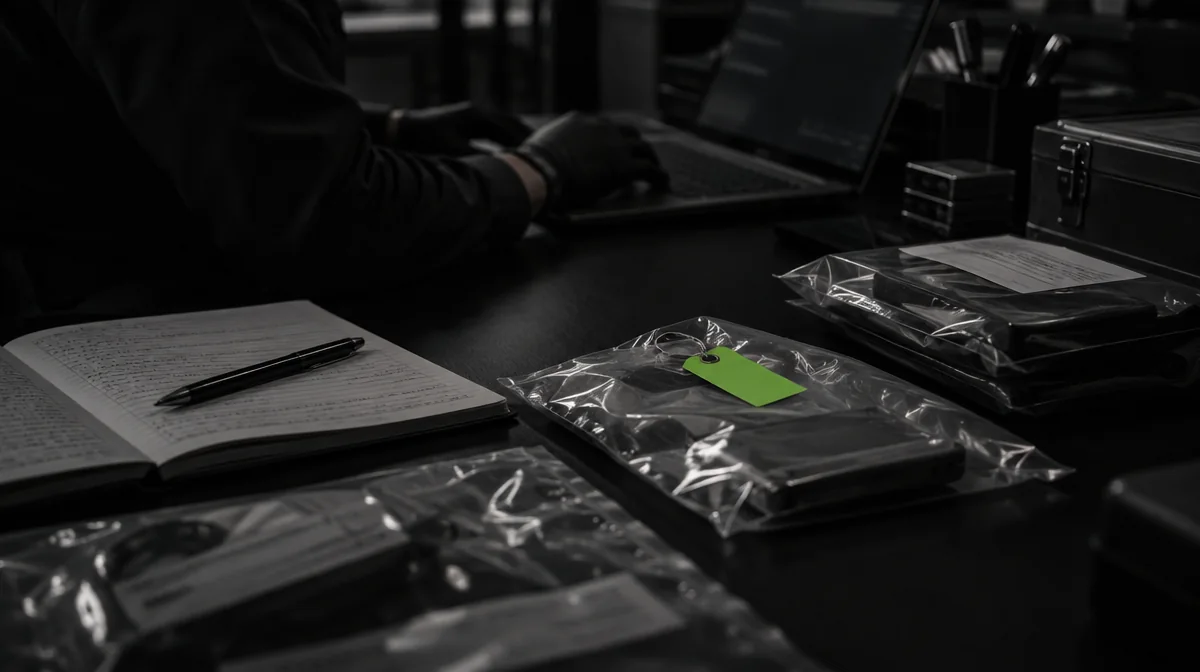
The order of capture matrix
The ordering principle is "order of volatility", described in RFC 3227, Guidelines for Evidence Collection and Archiving. The table adapts it to a modern stack. It has no thresholds, because retention windows and tools vary by platform.
| Order | Evidence | Why it goes here | Safe first step | Red flag |
|---|---|---|---|---|
| 1 | Memory, running processes, open connections | Lost at reboot or power-off | Isolate the host from the network, leave it running, call the person who can capture memory | "We rebooted it to be safe" |
| 2 | Cloud control-plane and identity logs | Roll over and are editable by the same accounts under attack | Export to a separate, write-once store held by another team | Logs live only in the compromised account |
| 3 | Firewall, proxy, WAF and DNS logs | Short windows on busy edges | Extend retention and copy the current window | Retention reduced "to save cost" during the incident |
| 4 | Application and authentication logs | Show account misuse and the path through the product | Copy with hashes and the collection time | Excerpts pasted into chat |
| 5 | Disk images or cloud snapshots | Hold files, persistence and timestamps | Snapshot or image before any rebuild; work on copies | Reimage first, "then we will check" |
| 6 | Email, chat and ticket records | Show decisions and the response timeline | Place a deletion hold on the case | Auto-delete rules left running |
| 7 | Backups and configuration history | Show what was changed and what is safe to restore | Mark the last known-good set read-only | Restore overwrites the only copy |
| 8 | Physical devices and removable media | Rarely volatile but easily lost | Tag, bag and log each item | No record of who held it |
The rows that most often go wrong are 2 and 8. One is exposed because the evidence sits inside the account under attack, and the other because nobody thinks of a laptop or a hardware token as evidence until it has been reissued.
Contain and preserve at the same time
The argument that "we must contain now" and "we must preserve first" are in conflict is usually a symptom of no agreed order. A workable sequence for one affected host looks like this.
- Isolate, do not power off. Cut network paths with a firewall rule or a security group change. Record the time and the exact change.
- Record the live state. List processes and connections, and capture memory if someone qualified is available. If not, say so in the log, and do not improvise.
- Snapshot or image. Take a snapshot at the platform layer, or a forensic image, before anything is rebuilt.
- Hash and store. Generate a hash of each artefact, store the copy in a read-only location and note the hash in the custody record.
- Then remediate. Rebuild, rotate and restore, working from the copy and the record, not the original.
Where a business decision cannot wait, such as suspending withdrawals or revoking an API key, the rule is to record the state first in the same step. A screenshot with a timestamp, an exported configuration or an audit log entry is better than nothing.
The custody record
Chain of custody is plain book-keeping. For each item, keep one line.
- What it is, in words anyone could recognise later, such as "memory capture of the settlement worker host".
- Where it came from, the system, account and region.
- Who collected it and when, in one time zone.
- How, the tool and its version, or the platform action.
- Hash, so any later change is visible.
- Where it is held, and who has had access since.
The point is that someone who was not in the room can read the record and trust the evidence. NIST SP 800-86, Guide to Integrating Forensic Techniques into Incident Response describes collection, examination and reporting with this kind of documentation.
Who may touch what
Decide this before the incident, in the same place you keep your escalation list.
- Anyone on call may isolate a host and export logs to the write-once store, using a written runbook.
- Named engineers may take cloud snapshots and place deletion holds.
- A forensic responder takes memory captures and disk images for any matter that could be relied on externally.
- Legal or compliance decides what is held, for how long and who may see it.
- Nobody edits files on an affected host to "have a look around" using a shared admin account.
If your response provider carries part of this, the retainer should say so. For a casino, the same logic is applied to payment and player records in ransomware response for an online casino, and for a sportsbook, to market and bet-settlement data in suspending markets and preserving evidence.
Practising before it matters
Evidence handling is a skill that fades. Three low-cost drills keep it ready.
- A table-top with an evidence question. Pause the scenario and ask the room, "what do we capture before we rebuild this?" and note whether the answer matches the table above. The casino tabletop scenarios are a good place to add it.
- A log export test. Pick one system, export a day of logs to the write-once store and confirm someone else can read it.
- A snapshot restore test. Take a cloud snapshot, mount a copy elsewhere and confirm the original is untouched.
Each drill finds a permissions or ownership gap that would otherwise appear in a real incident.
Red flags in a response plan
- "Reimage and move on" with no capture step.
- Logs held only in the account or tenant under investigation.
- No named person who can sign a custody record.
- Retention set once, by default, and never reviewed with legal.
- Evidence kept on a shared drive that responders and staff can edit.
- No deletion hold process for mail, chat and tickets.
- A provider who cannot explain how they capture memory or image a disk.
Limitations
This article is not legal advice and does not state what any regulator, insurer, card scheme, licensing authority or court requires for evidence handling, retention or disclosure. It uses no external statistics and no incident case studies. The order of capture is a general adaptation of public guidance, and the right method for a given platform depends on its tools, the jurisdiction and the matter. If law enforcement or a regulator is involved, follow their instructions first.
Decision and next step
If a new responder could read your runbook and know what to capture before rebuilding, where to put it, and who signs for it, you are in good shape. If not, write the order into the runbook this month and test it once. To have the evidence steps, the custody record and the provider's role written into a response plan, get an IR retainer.
Sources and review
The framing follows public guidance: RFC 3227, Guidelines for Evidence Collection and Archiving, which sets out order of volatility and custody; NIST SP 800-86, Guide to Integrating Forensic Techniques into Incident Response; and NIST SP 800-61 Rev. 3, on incident response lifecycle activities. Reviewed by AnySec Engineering on 2026-11-26.
Related reading
- Incident response report: what it must contain — the document the preserved evidence supports.
- Ransomware response for an online casino: the first hours — the same ordering under ransomware pressure.
- Incident response tabletop exercise for an online casino — rehearsing who captures what.
To have evidence handling written into your response plan, get an IR retainer.
Frequently asked questions
- What should be preserved first during a security incident?
- The most short-lived evidence first: running processes, network connections and memory on affected hosts, then cloud and application logs that roll over, then disk images or snapshots, then long-lived records such as backups and tickets. Capture before you reboot, reimage or restore, because those actions erase what a later investigator needs.
- What is chain of custody and do we need it?
- It is a written record of who collected each piece of evidence, when, from where, how it was stored and who has handled it since. You need it whenever the evidence may be relied on by a regulator, insurer, card scheme, court or law enforcement. Without it, a good capture can still be challenged.
- Can we contain the incident and preserve evidence at the same time?
- Usually yes, if the order is agreed in advance. Isolating a host from the network normally keeps memory and disk intact, while powering it off or wiping it does not. Where the business must act immediately, such as revoking a key, record the state first or capture it in the same step.
- Should our own IT team collect the evidence or should the response provider?
- Your team can safely do simple, documented steps such as isolating a host, exporting logs to write-once storage and taking cloud snapshots. Anything deeper, such as memory capture or disk imaging for a matter that may go to a regulator or court, is better done by someone who can explain the method and sign the custody record.
- How long should incident evidence be kept?
- Long enough to cover any investigation, regulatory enquiry, insurance claim or dispute that could follow, which depends on your jurisdiction, licence and contracts. Set the period with your legal owner before an incident, and place a hold on deletion for the specific case as soon as one begins.
Rather not learn this in production.
Talk to the engineers behind these write-ups — no sales script, a straight read on where you stand.
Get a fixed quote